How to apply for driving license online: Step by Step
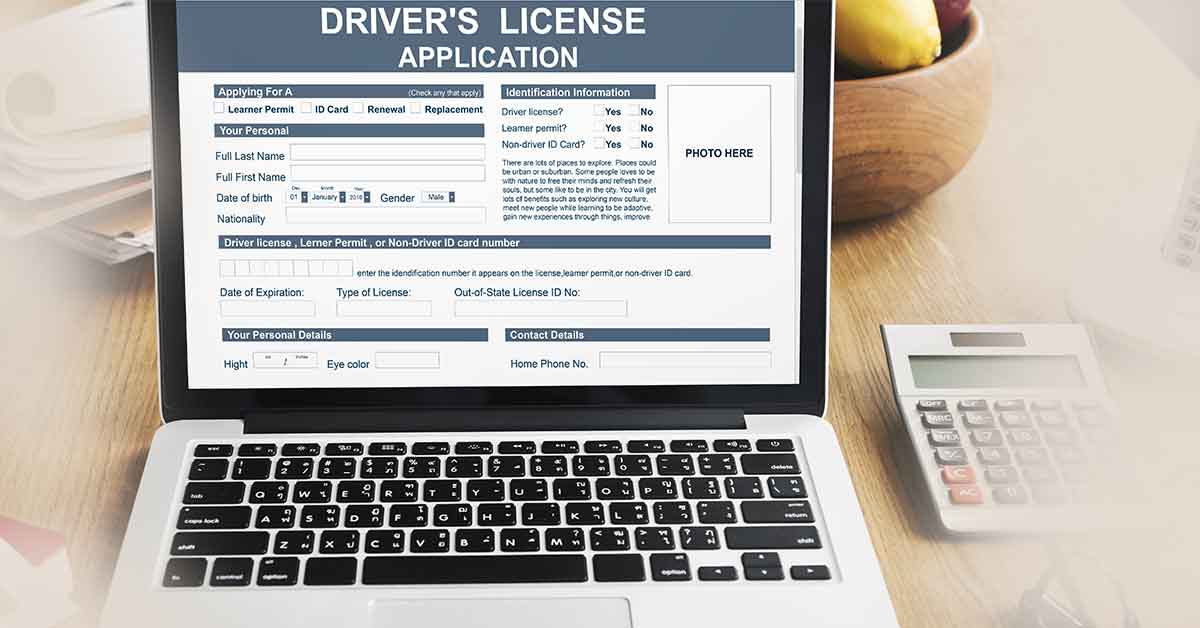
Driving license is an offline document issued by the Government of India! Even if you drive a motor vehicle! For example, bike, car bus or truck, you must have a valid driving license! Driving license allows the driver! That vehicle is worth driving! It is also a kind of identity card! Under the Motor Vehicle Act issued in 1988, no person can drive a vehicle without a driving license! Driving without a driving license is a legal offense! And if he was caught driving without a driving license! Then he may have to pay a fine! The process of getting a driving license has become much easier now than before!
What are the types of driving licenses
Friends, before filling the driving license form, know what types it is! After that apply online so that you will be able to get a driving license as per your requirement!
- Learning License
- Permanent License
- International Driving License
- Duplicate Driving License (Driving License Duplicate)
- Light Motor Vehicle Licence
- Heavy Motor Vehicle License
Driving Licence Documents
Some necessary documents will also be required to apply for a driving license online! Which are mentioned below!
Proof Of Address
- Ration Card
- Voter Id Card
- Electricity Bill
- Aadhaar Card
- Water Bill
- Pan Card
Proof Of Date Of Birth
- Birth Certificate
- Voter Id Card
- 10th Marksheet
How to apply for Driving Licence Online
- First of all, you have to visit the Sarathi website of the Ministry of Road Transport and Highways of Government of India !
- In this, you have your own state, ie the state in which you are resident! Select it!

- Now you will have some options From this, tap on "Apply Online" and click on "New Driving License"!

- In the given options you have to enter "Learner's License Number" and Date Of Birth! Then click on ok!

- Now Driving License Online Form will appear in front of you! So all the information has to be filled in correctly! Whatever document is asked for! Upload them!

- Once you upload all the documents! Then you will be asked to choose the time for your DL Appointment! Please select a date and time! When you are available to go directly to RTO! And be present for your DL test!
- Once you pay the Driving License Online Fees to submit your driving license application form! Then your application will be successfully sent to RTO!
- On the day of your appointment, make sure! That you reach the first few minutes! And give your test!
- On completion of the form and after filling the information well, the applicant can submit the online form by clicking the "Submit" button at the end of the form!
- On submitting the form, you will see an auto-generated web application number on the screen! Note the number for future reference! So that you can check the application status! Or you can also download Driving License!

Your website is very beautiful or Articles. I love it thank you for sharing for everyone. Driving Test Cancellations Checker
ReplyDelete